Refresh rate is one of the most quoted numbers on any gaming monitor, and one of the least understood. Is 144Hz really better than 60Hz? Is 240Hz worth the extra money? And why does a new high-end monitor sometimes feel no different from the old one? This guide explains what the number means and how to get the most from it.
What refresh rate means
Refresh rate is how many times per second your monitor draws a new image, measured in hertz (Hz). A 60Hz screen updates 60 times a second, a 144Hz screen 144 times, and so on. More updates mean motion looks smoother and what you see is closer to what is happening in the game right now. You can read the technical background on refresh rate if you want the detail.
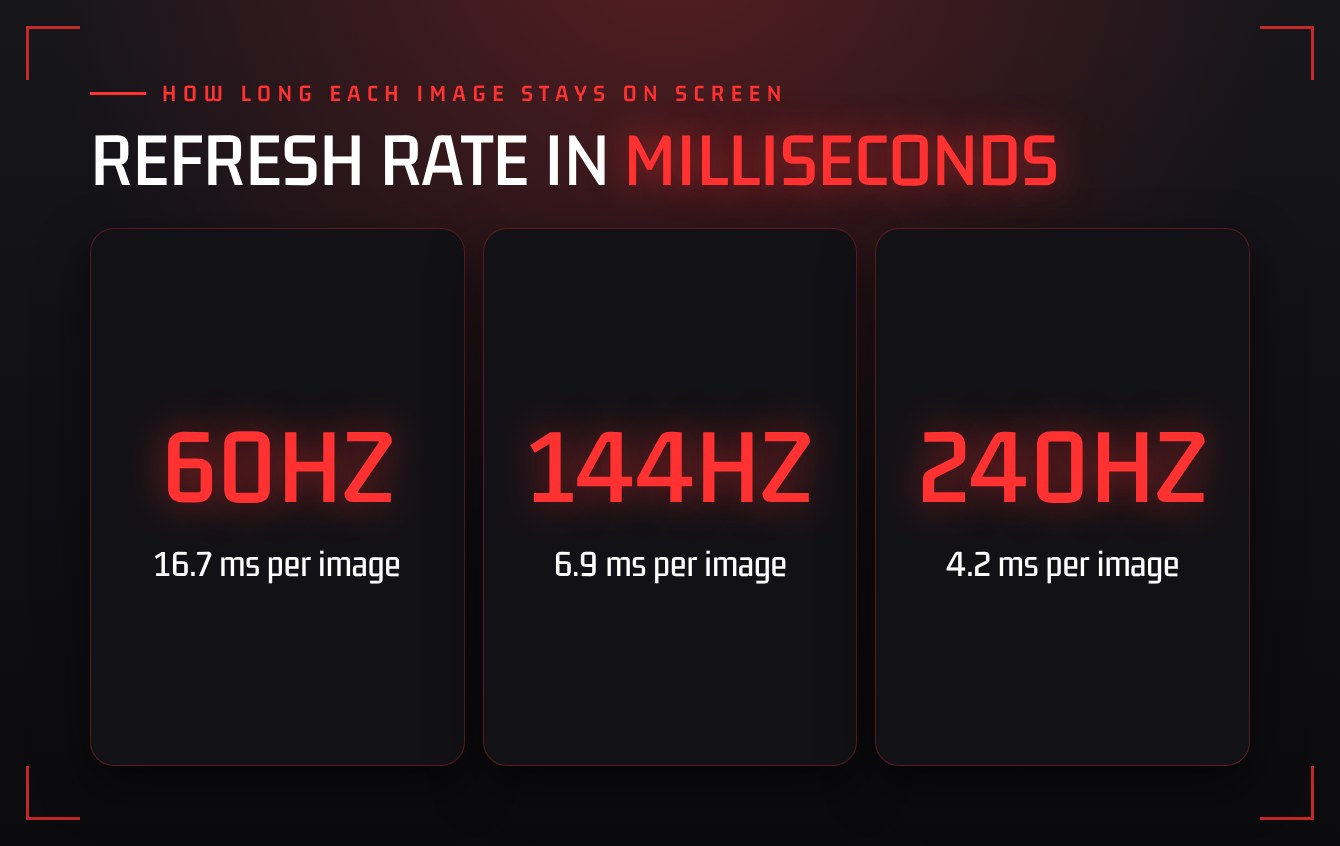
It helps to think in time instead of hertz. At 60Hz each image stays on screen for about 16.7 milliseconds. At 144Hz that drops to about 6.9 milliseconds, and at 240Hz to about 4.2.
Refresh rate is not the same as frame rate
The number on your monitor is how often it can show a new image. Your frame rate (FPS) is how often your PC or console produces one. You only see the benefit of a fast screen if your system can feed it.
A 240Hz monitor showing a game that runs at 70 FPS will not look like 240Hz. Before upgrading a display, check what frame rates you actually get in the games you play.
60Hz vs 144Hz vs 240Hz
- 60Hz is fine for slower games, story adventures and strategy. Most TVs and basic monitors run here.
- 144Hz is the biggest jump most players will ever notice. Camera movement is clearer, tracking targets is easier, and the whole game feels more responsive.
- 240Hz and above is a smaller step. Competitive shooter players may feel the difference, but only with a system that can hold very high frame rates.
“Going from 60Hz to 144Hz changes how games feel. Going from 144Hz to 240Hz refines it.”
Does a higher refresh rate make you better?
It will not fix your decision making, but it does give you clearer and more current information. Fast-moving targets blur less, and the delay between an action and seeing it on screen shrinks. If you want to see where your own reactions sit, try the reaction test in our Gamer Toolbox.
Make sure you are getting the refresh rate you paid for
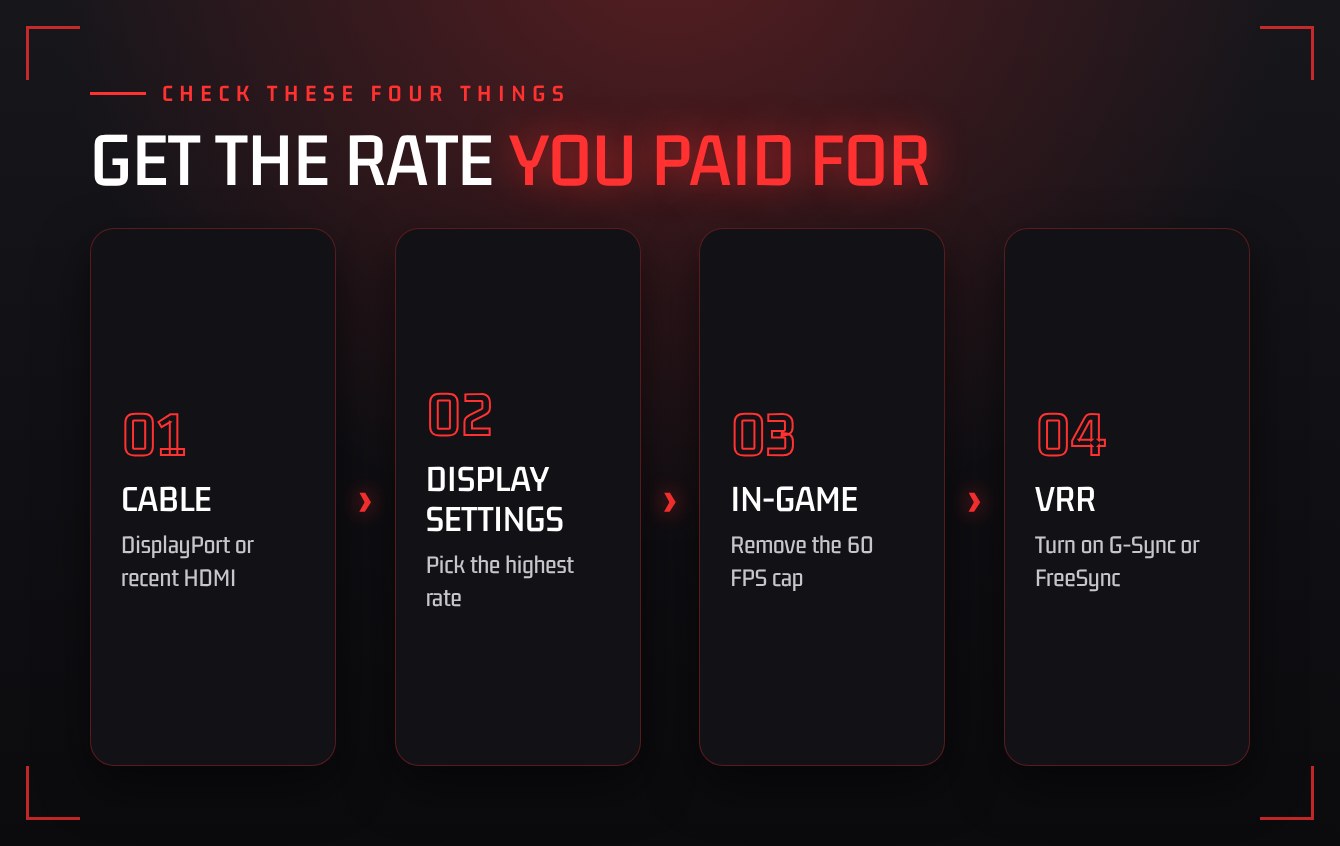
Many fast monitors run at 60Hz out of the box, and plenty of players never notice. Check these four things.
- Use the right cable and port. Older HDMI cables and ports can limit you to 60Hz. DisplayPort or a recent HDMI version is usually needed.
- Set it in your display settings. In your operating system’s advanced display settings, choose the highest value available.
- Check the in-game settings. Look for a frame rate cap or a display hertz option and make sure it is not locked to 60.
- Turn on VRR. G-Sync or FreeSync matches the screen to your frame rate and removes tearing.
What about consoles?
Current consoles can output 120Hz in supported games, but only if your TV or monitor accepts it and the game offers a performance mode. Check all three before assuming you are getting it.
The takeaway
Refresh rate is how often your screen updates, and it only helps when your frame rate keeps up. For most players, 144Hz is the sweet spot between cost and feel. Whatever you own, spend two minutes confirming it is actually running at full speed.
Want to know which games are worth playing on that new screen? See what is busy right now on our Player Counts page.