
GamerToolbox.
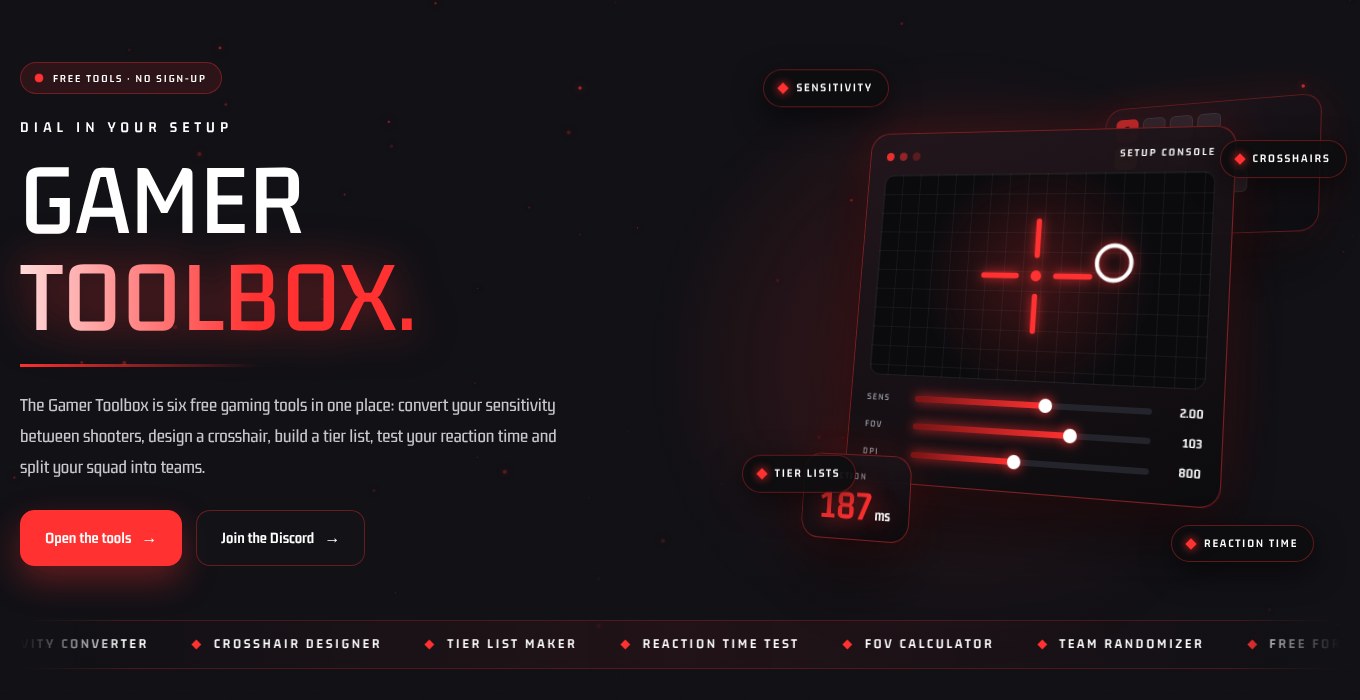
The Gamer Toolbox is six free gaming tools in one place: convert your sensitivity between shooters, design a crosshair, build a tier list, test your reaction time and split your squad into teams.
Six tools. Zero downloads.
Choose a tool and it opens right below. Everything runs in your browser, so nothing you enter ever leaves your device.
Sensitivity Converter
Keep the same aim when you switch games. Enter your current settings and get the matching sensitivity.
Matches hip-fire turn distance at default field of view. Scoped and ADS sensitivity scale differently per game, so fine-tune those in game.
Crosshair Designer
Tune a crosshair, preview it on different backgrounds, then copy the values into your game or download it as an overlay image.
Tier List Maker
Rank anything: weapons, maps, classes, games. Add your items, drag them into a tier (or tap an item, then tap a tier), and save the image to share.
Double-click an item to delete it.
Reaction Time Test
Click the box to start, then click again the instant it lights up. Five rounds gives you a reliable average.
Typical human visual reaction time is roughly 200 to 250 ms. Monitor refresh rate and input lag add to your number.
FOV Calculator
Games measure field of view differently. Convert between horizontal and vertical FOV and see the equivalent on other screen shapes.
| Screen | Horizontal FOV | Vertical FOV |
|---|
Team Randomizer
Paste in everyone who is playing and get fair, random teams for customs, scrims and game nights.
What is the Gamer Toolbox?
The Gamer Toolbox is a free set of browser tools for players who want sharper aim, cleaner settings and faster game nights. There is nothing to download and no account to create.
Most players tune their setup once and then wonder why a new shooter feels wrong. The Gamer Toolbox fixes the common problems in seconds: match your mouse sensitivity between games, build a crosshair you can actually see, check your field of view on an ultrawide monitor, and measure your reaction time against the 200 to 250 ms human average.
It is built for groups too. Rank weapons or maps in the tier list maker and share the image, or drop every name into the team randomizer before customs. New to matching settings? Read our guide to keeping your aim consistent across every shooter, or learn how field of view works in games.
- Six tools on one page with zero sign-ups
- Works on desktop, tablet and phone
- Sensitivity maths for nine popular shooters
Set up in three steps
Pick a tool
Choose from the six tools above. Each one opens instantly on the same page.
Enter your settings
Add your DPI, sensitivity, field of view or player names and watch the result update live.
Save or share
Copy the numbers into your game, or download your crosshair and tier list as an image.
Gamer Toolbox FAQ
Is the Gamer Toolbox free to use?
Yes. Every tool in the Gamer Toolbox is free, with no account, no download and no limits on how often you use it.
How does the sensitivity converter work?
Each game turns your view a different amount for the same mouse movement. The converter works out how far your mouse travels for a full 360 degree turn in your current game, then gives you the sensitivity that produces the same distance in the new one.
Can I use my crosshair in any game?
Many shooters let you set length, thickness, gap and colour in their settings, so you can copy the values across. You can also download the crosshair as a transparent PNG. Check each game's rules before using any third-party overlay.
What is a good reaction time?
Most people land between 200 and 250 milliseconds on a visual test. Competitive players are often a little faster, and your monitor refresh rate and input lag add to the number you see.
Does the Gamer Toolbox store my data?
No. Everything runs inside your browser. Your settings, tier lists and player names are never uploaded or saved on a server.
Setup sorted. Now find a squad.
See who is online right now, or stock your library without spending anything.
Game names and artwork are trademarks of their respective owners and are used for identification only. This page is not affiliated with or endorsed by any publisher, store or platform.