If you want to lower ping, you rarely need a faster internet plan. Ping measures how long a message takes to travel from your device to the game server and back, in milliseconds. Speed is about how much data you can move. Ping is about how quickly a small message makes the trip, and that depends mostly on distance and stability.
What counts as good ping
Under 50 ms feels instant. Between 50 and 100 ms is fine for most games. Above 150 ms you start to notice shots landing late and players skipping around, a problem usually called lag).
Step 1: Use a cable
Wi-Fi shares the air with every other device and every wall in your home. An Ethernet cable gives you a steady connection, which matters more than raw speed. If running a cable is impossible, move closer to the router and use the 5 GHz band.
Step 2: Pick the nearest server
Many games let you choose a region. Distance is the one thing no setting can fix, so choose the server closest to you unless you are playing with friends elsewhere.
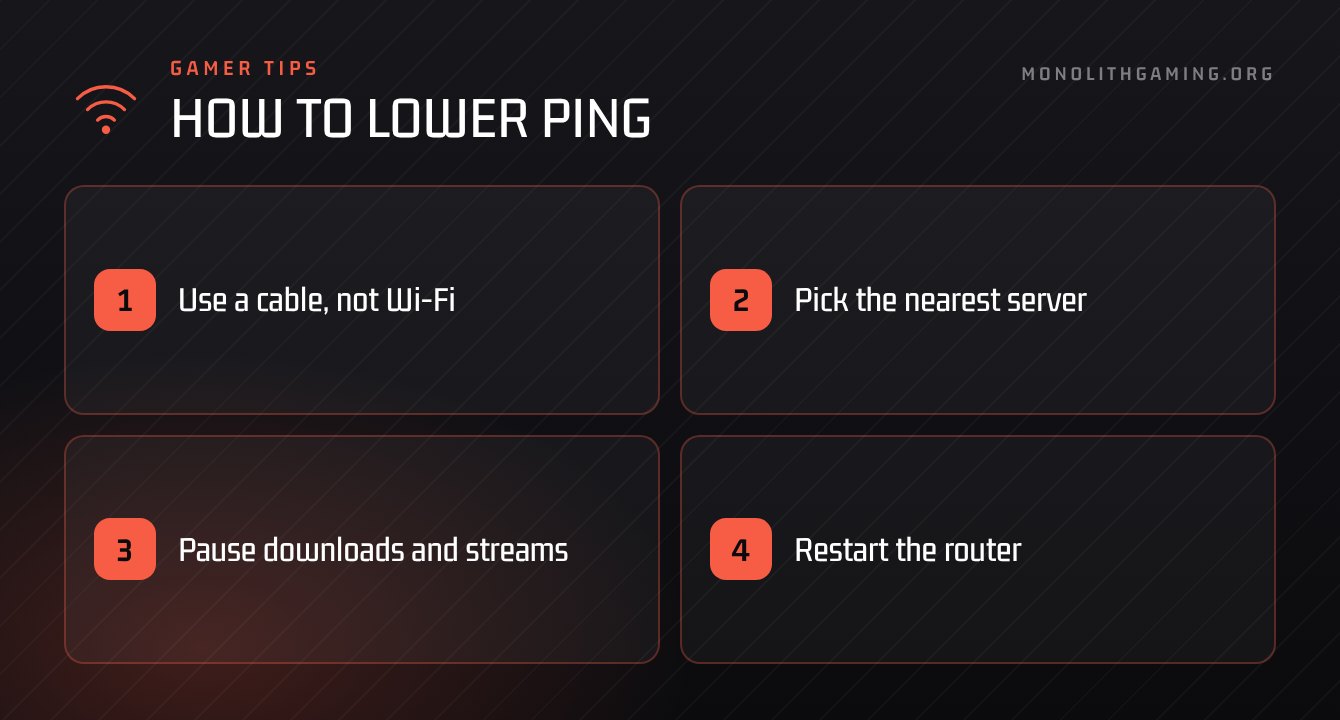
Step 3: Pause downloads and streams
A game uses very little data, but it needs that data to arrive on time. A large download or a 4K stream on the same network can crowd it out. Pause them while you play.
“A steady 60 ms beats a ping that jumps between 20 and 200.”
Step 4: Restart the router
Routers run for months without a break. Turning yours off for thirty seconds clears out problems more often than you would expect.
Step 5: Close background apps
Cloud backups, launchers updating other games and open browser tabs all send data. Close what you are not using.
Step 6: Watch for packet loss
If your ping looks fine but the game still stutters, you may be losing packets, which means some messages never arrive. Many games have a network graph in their settings. If it shows loss on a wired connection, contact your internet provider.
How to check your ping
Most online games can show your ping on screen. Look in the settings for an option such as network statistics, performance overlay or connection info. Switch it on for a few matches so you learn what is normal for you. The number will move a little during play. What you are looking for is large, sudden jumps.
What will not lower ping
Paying for a faster download speed rarely helps, because games use very little data. Programs that promise to boost your connection generally cannot change the route your data takes. And restarting the game over and over does nothing if the cause is in your home network. Time spent on a cable and a quiet network is better spent than money on any of these.
The takeaway
To lower ping, fix stability first: cable, nearest server, quiet network. Those three steps solve most problems. When your connection is steady, find teammates in the Squad Finder and check how busy your game is on the Player Counts page.